Citizens First Bank - Business eBanking United States 🇺🇸
Fintable bank API integration powered by Plaid.
Fintable integrates with Citizens First Bank - Business eBanking APIs to sync your finances to spreadsheets.
Fintable is a financial tool which automatically connects to your bank accounts and exports balances and transactions to Google Sheets or Airtable. This integration is powered by Plaid in United States.
Citizens First Bank was a community bank headquartered in The Villages, Florida, founded in 1991 as First Bank of the Villages and renamed in 1998. It served central Florida, chiefly The Villages and nearby communities, with personal and business deposit accounts, loans and wealth services, and was owned by Villages Bancorporation, Inc. On October 1, 2025 it merged into Seacoast National Bank, which continues the accounts under the Seacoast Bank brand; citizensfb.com now redirects to Seacoast's welcome page. This Plaid connector was the bank's Business eBanking channel for business accounts in the United States, for balances and transactions, and is distinct from the bank's separate personal online banking connector. It does not reach the unrelated Citizens First Banks in Iowa, Wisconsin or Tennessee, Citizens 1st Bank, or First Citizens Bank, and former customers now reach these accounts through Seacoast Bank's own connector.
Live Connection Health
Connection Information
Bank API details
- Domain
- citizensfb.com
- Fintable Status
- This connection is supported by Fintable via Plaid.
- Availability
-
Fintable integration Fintable has an integration with Plaid. Provider enabled Fintable has Plaid switched on for customers. Reported working Plaid reports that this connector works. Connector enabled Fintable offers this connector to customers. A connector can be linked only when all four are Yes.
- API Access
- Accounts, balances, and transactions from Citizens First Bank - Business eBanking are available programmatically via the Fintable API and the built-in MCP server for AI assistants.
- Display Name
- Citizens First Bank - Business eBanking
- PLAID Institution ID
- ins_132642
- Provider Domain
- citizensfb.com

See a mistake in this data? Suggest an edit
Fintable cannot guarantee the reliability of any bank integration. Test your accounts by signing up for a free trial
Keep track of your finances with AI and spreadsheets.
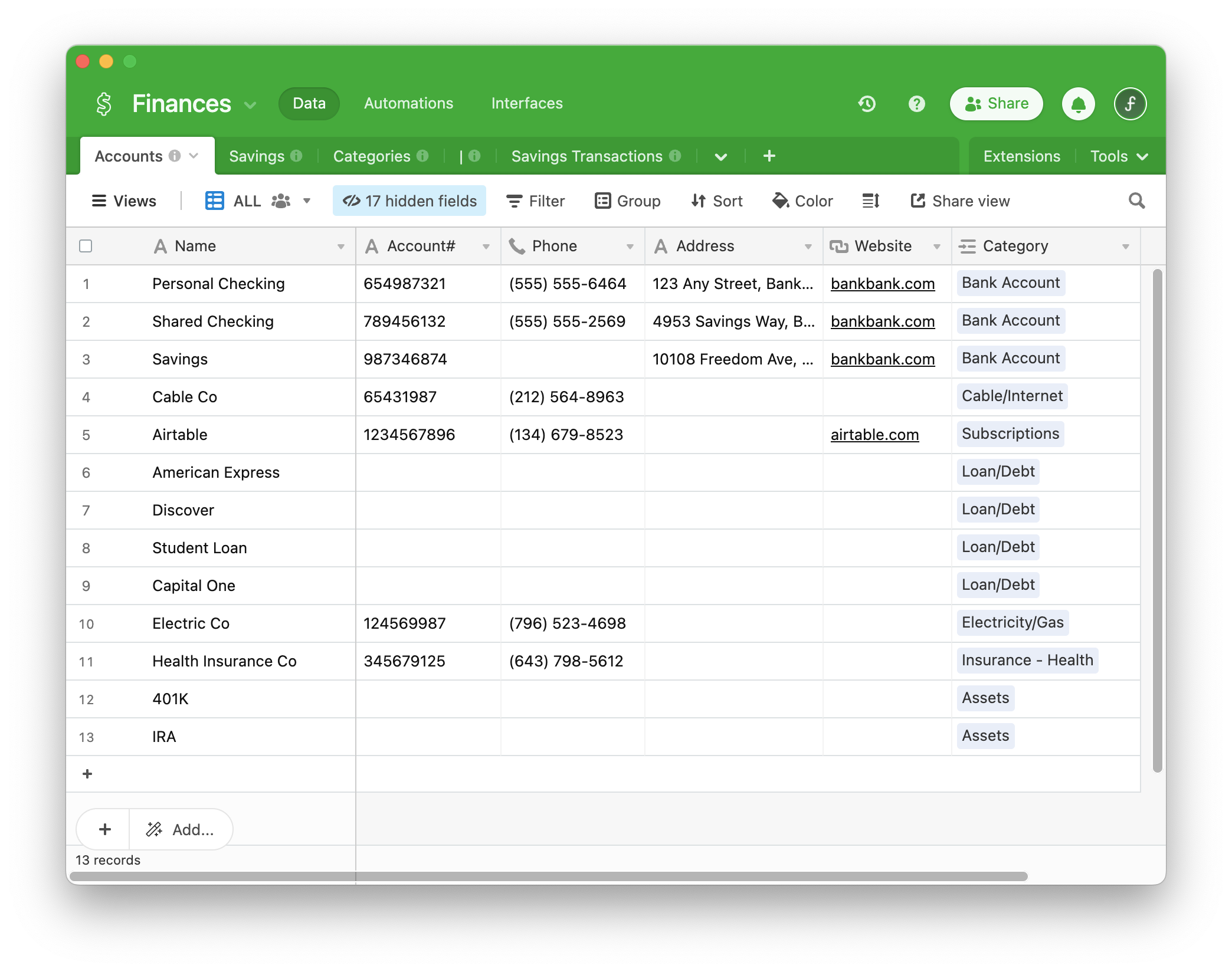
Fintable syncs your Citizens First Bank - Business eBanking accounts to spreadsheets and lets you analyze your data with Claude or ChatGPT. Use Google Sheets or Airtable for finance dashboards, or build your own on top of our API. Our mission is to be the most trusted, reliable and powerful DIY financial data platform in the world.
Similar Financial Connections
Related API connections. These may be the same financial institution, or they may be different bank branches or different bank products in different countries.


